What should I complete before going live?
Before you start taking orders, review the essentials checklist on your Merchant Portal dashboard. If you're short on time, prioritize these items:
Add a header image: A professional header image creates a strong first impression and helps establish your visual brand identity on our app.
Add a store logo: Your logo helps customers quickly recognize and return to your store when browsing delivery options.
Add two or more menu photos: High-quality images of your dishes help customers make confident ordering decisions and set accurate expectations.
Add five or more menu item descriptions: Clear, detailed menu descriptions help customers understand your offerings and any customization options available.
Below are some things to keep in mind while going through the checklist:
How do I set store hours that work for customers?
Your store hours control when customers can find and order from your business.
To avoid missed orders:
Set accurate hours in the Merchant Portal
Turn on your DoorDash Tablet before opening each day
Keep the tablet connected to Wi‑Fi and power during operating hours
Customers tend to order most on Fridays through Sundays, with peak demand around lunch and dinner — especially near 6 pm. Late-night (12-5 am) and breakfast (5-11 am) orders are also growing, making accurate hours important across more parts of the day.
What makes a high-quality menu on DoorDash?
A strong menu helps customers decide quickly and order more accurately.
Make sure your menu includes:
Clear photos and descriptions
Show what the item looks like and list key ingredients
Professional branding helps build trust and recognition
Let customers remove ingredients or add modifiers when available
Menu photos and updates can be managed in the Merchant Portal and Business Manager app.
What are the DoorDash Tablet basics I need to know?
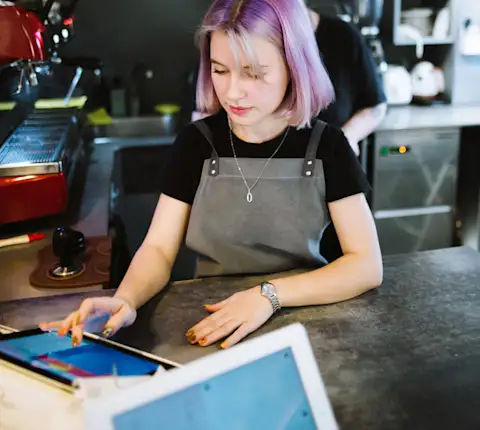
Understanding the essentials of how to use your tablet is critical for early success on DoorDash. Make sure your store checks off the following list every day:
Before your store's opening hour, your DoorDash tablet is turned on
Your tablet is connected to a power source and Wi-Fi
Your Order tab is open
When your tablet is off, your store doesn't show up for customers.
How can customers and Dashers contact my store?
Customers and Dashers use your contact details for active orders.
In the Merchant Portal, confirm that:
Your phone number is correct and answered during open hours
Your physical address (not a mailing address) is accurate
Dashers rely on this information to pick up orders without delays.
What should my team know once we're live?
After you start receiving orders, make sure your team knows how to:
Accept and manage incoming orders
Pause your store if you're temporarily unavailable
Adjust live orders if an item is out of stock
Contact a Dasher when needed