What is a Point-of-Sale System and Integration?
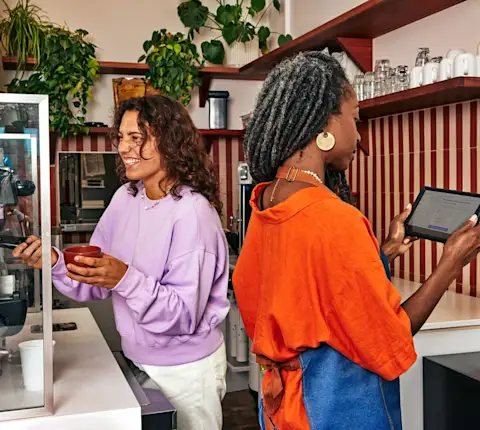
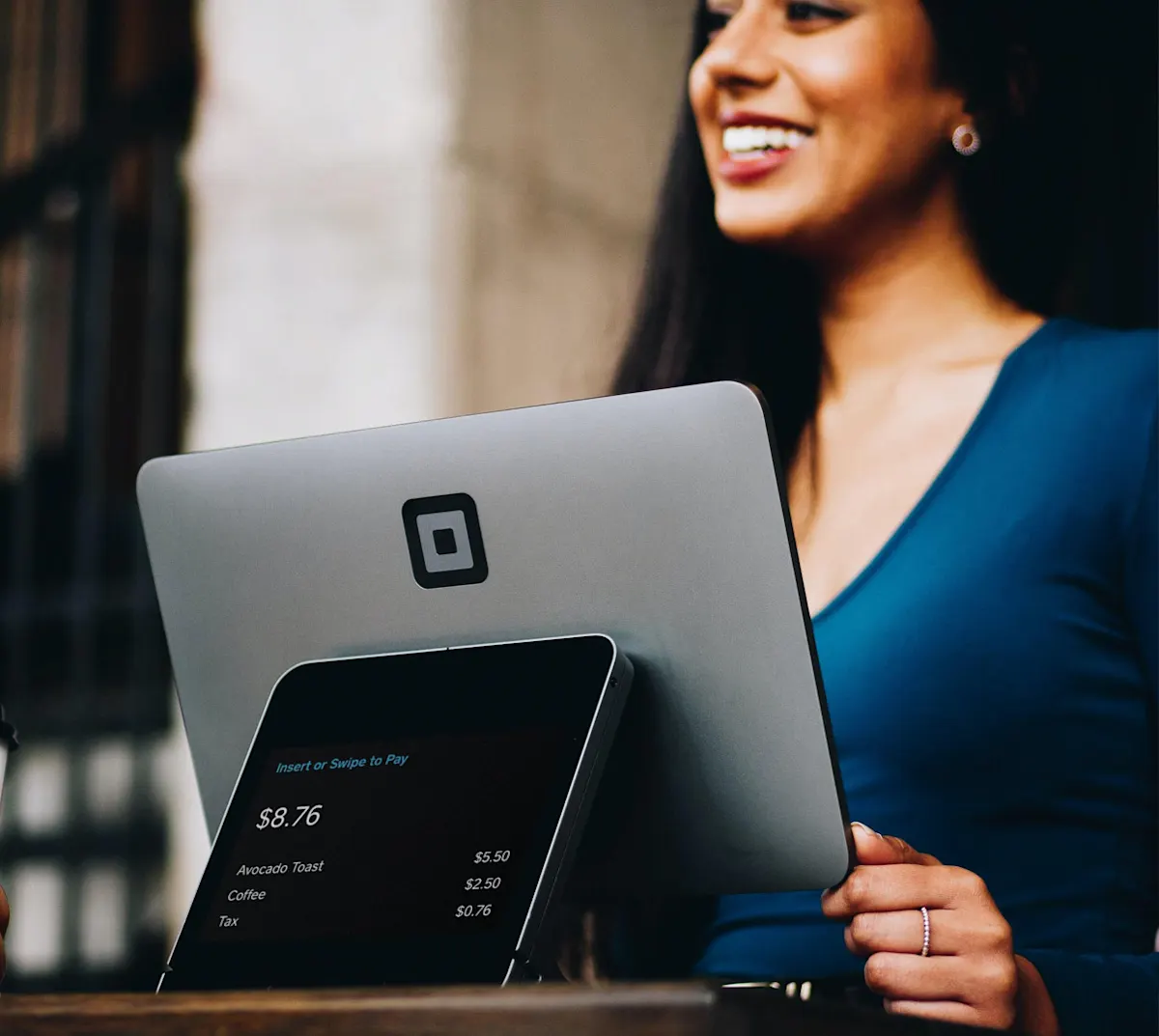
A point-of-sale integration connects your restaurant’s POS system or middleware to DoorDash, allowing the two platforms to exchange data automatically. Instead of managing DoorDash orders on a separate tablet, you receive orders directly in your existing POS workflow — alongside your dine-in, takeout, and pickup tickets.
When your POS is integrated with DoorDash, your online menu, item availability, pricing, store hours, and promotions stay aligned in real time. This means fewer cancelled orders caused by outdated menus and less time spent on manual updates across platforms..
DoorDash is compatible with a wide range of POS systems and middleware providers — from direct integrations with Toast, Square, and Clover to aggregator connections through Deliverect, Otter, and Checkmate. If your POS doesn’t have a direct DoorDash integration, a middleware system can bridge the gap.
Understanding what is a POS system in a restaurant can help clarify how these integrations streamline online ordering and day-to-day operations.
Why Integration Quality Matters for Your Restaurant
Cancellation prevention: Real-time menu syncing and item availability checks help ensure customers don’t order items that are out of stock, reducing cancelled orders and protecting your reviews.
Reconciliation accuracy: Integrated promotions support means promo details — including co-funded and stacked offers — pass through accurately, so your financial reporting matches what actually happened.
Operational stability: Detailed error reporting gives both DoorDash and your provider visibility into order failures, enabling faster resolution and smoother operations over time.
These standards are the foundation of what it means to be a DoorDash Preferred Integration partner. They aren’t a promotional badge — they reflect measurable reliability criteria that help restaurants run more predictably.
What Makes a DoorDash Preferred Integration?
The DoorDash Preferred Integrations Program sets clear standards for integration providers. To earn and maintain Preferred status, a POS or middleware provider must support a set of high-quality features designed to improve order accuracy and simplify operations for merchants.
High-Quality Integration Features
DoorDash Preferred Integration partners build and maintain the following capabilities:
Self-guided store setup and self-serve store activation — get started without waiting for manual onboarding
Real-time menu syncing — menu updates, pricing, and modifiers reflect on DoorDash automatically
Real-time item 86’ing and availability checking — out-of-stock items are removed from your DoorDash menu before customers can order them
Order ready signal — notifies Dashers when an order is ready for pickup
Integrated promotions — promo details sync accurately for correct reconciliation
Detailed order error reporting — actionable error codes enable proactive issue resolution
Real-time item availability checking — DoorDash proactively checks item availability, supporting near-zero item-out-of-stock cancellations
You can see exactly which features your provider supports on the DoorDash integrations page, where each provider displays a performance scorecard and feature checklist.
How to Choose the Right POS or Middleware for DoorDash
If you’re selecting a new POS system or evaluating whether to add middleware to your setup, here are the key factors to consider for a strong integration with DoorDash:
Direct POS Integration vs. Middleware
Some POS systems, like Toast and Square, integrate directly with DoorDash. Others connect through a middleware provider such as Deliverect, Otter, or Checkmate. Both approaches can deliver a high-quality experience, but the right choice depends on your setup:
Direct POS integration works best if your POS provider already has Preferred status with DoorDash and you primarily use one delivery service.
A middleware provider makes sense if you operate on multiple marketplace platforms (DoorDash, Uber Eats, Grubhub) and want to centralize orders, or if your POS doesn’t have a direct DoorDash integration.
What to Look For
Preferred status: Does the provider meet DoorDash’s reliability standards?
Performance rating: Check the provider’s order failure rate and cancellation data on the integrations page.
Feature coverage: How many of the 8 high-quality features does the provider support?
Compatibility: Confirm your existing POS hardware and software versions are supported by the integration provider.
Use the comparison tool on the integrations page to evaluate providers side-by-side based on features, performance, and Preferred status:
DoorDash Integrations Comparison PageSupported POS Systems and Middleware Providers
Featured POS Partners
Check POS systems integrating directly with DoorDash and are part of the DoorDash Preferred Integrations Program:
Compare POS SystemsMiddleware and Aggregator Partners
If your POS doesn’t have a direct DoorDash integration or you use multiple delivery services, a middleware system with a Preferred Integration can help you bridge the gap:
Compare Middleware / AggregatorsHow to Integrate Your POS with DoorDash: Step-by-Step Guide
Prerequisites
Before starting the integration process, make sure you have:
An active DoorDash merchant account (sign up at merchants.doordash.com if you’re new)
A supported POS system or middleware provider — check compatibility on the integrations page
Your DoorDash menu ready to sync (items, prices, modifiers, and store hours configured in your POS)
Admin access to both your POS dashboard and the DoorDash Merchant Portal
Step 1: Check Compatibility and Confirm Your Provider
Visit the integrations page and search for your POS or middleware provider. If your provider is listed, review their performance scorecard and feature coverage. If your provider is not listed, it may not currently be DoorDash-compliant — consider a middleware provider like Deliverect or Checkmate to bridge the gap.
Step 2: Request an Integration
Log in to the DoorDash Merchant Portal and follow the prompts to request an integration with your provider. For many Preferred partners, this is a self-serve process that takes minutes. For providers that support self-guided store setup, you can activate your marketplace store without waiting for manual intervention.
Step 3: Complete the Onboarding Process
Your integration provider will guide you through onboarding, which typically includes linking your DoorDash account, mapping your menu, and configuring order routing. For a detailed walkthrough, see our POS integration onboarding guide. Self-serve integrations can be active within 24–48 hours, while custom setups may take longer.
Step 4: Verify Your Menu and Start Receiving Orders
Once connected, confirm that your DoorDash menu matches your POS. Check that item names, pricing, modifiers, and store hours are correct. Your POS will begin receiving DoorDash orders directly — no separate tablet needed.
Switching from Another Platform
If you currently use Uber Eats, Grubhub, or another marketplace, adding DoorDash to your middleware provider follows a similar workflow. Simply add DoorDash as a channel within your provider’s dashboard. Your existing menu and settings can often be reused, making the integration process fast.
How a POS Integration Helps Simplify Delivery Orders
Once your POS is connected, your DoorDash delivery and pickup orders flow directly into the same system you use for in-house orders. This eliminates the need for a separate tablet and reduces the manual work that leads to mistakes.
With a well-configured integration, you can:
Receive orders in your POS automatically, with real-time syncing of your DoorDash menu
Manage your menu from one place — update items, adjust prices, or 86 an item and see the change on DoorDash instantly
Improve order accuracy by eliminating manual re-entry of delivery orders
Track performance and analyze order data through your POS or the DoorDash Merchant Portal
For more on how to get the most from your setup, visit Simplify Delivery Orders with POS Integrations.
Troubleshooting Your DoorDash POS Integration
If you’re experiencing issues with your integration, here are common causes and next steps:
Menu not syncing: Confirm that your POS menu is published and that your integration provider supports real-time menu syncing. Check for item-level errors in your provider’s dashboard.
Orders not coming through: Verify that your store is active on DoorDash and that the integration is properly connected. Check store hours and temporary pauses.
High cancellation rates: Your integration may lack item availability features. Check whether your provider supports item polling and real-time 86’ing on the integrations comparison tool.
Reconciliation discrepancies: If promo amounts don’t match, your provider may not yet support integrated promotions. Check their feature scorecard.
Provider is marked “At Risk”: This means the provider has fallen below DoorDash’s reliability standards. You can continue using them, but consider comparing alternative Preferred providers.
For persistent issues, contact DoorDash merchant support through the Merchant Portal or reach out to your integration provider’s support team.