What is pickup on DoorDash?
Pickup allows customers near your store to:
Place an order in the DoorDash app
Pay online
Pick up the order themselves at your location
Pickup orders are clearly labeled in your tablet or POS so your staff can prepare them accordingly.
How does pickup work on DoorDash?
If you signed up for DoorDash, you're automatically available to offer in-store pickup to customers. Here's how it works:
A customer discovers your restaurant on the DoorDash app, places a pickup order, and pays online
The incoming order is sent to your selected order protocol (tablet app, POS, or email)
Accept the incoming order and set your order ready time, for example, ready in 20 minutes.
The customer receives a notification confirming that their order is in progress the estimated wait time
Prepare the order and mark when it's ready for pickup
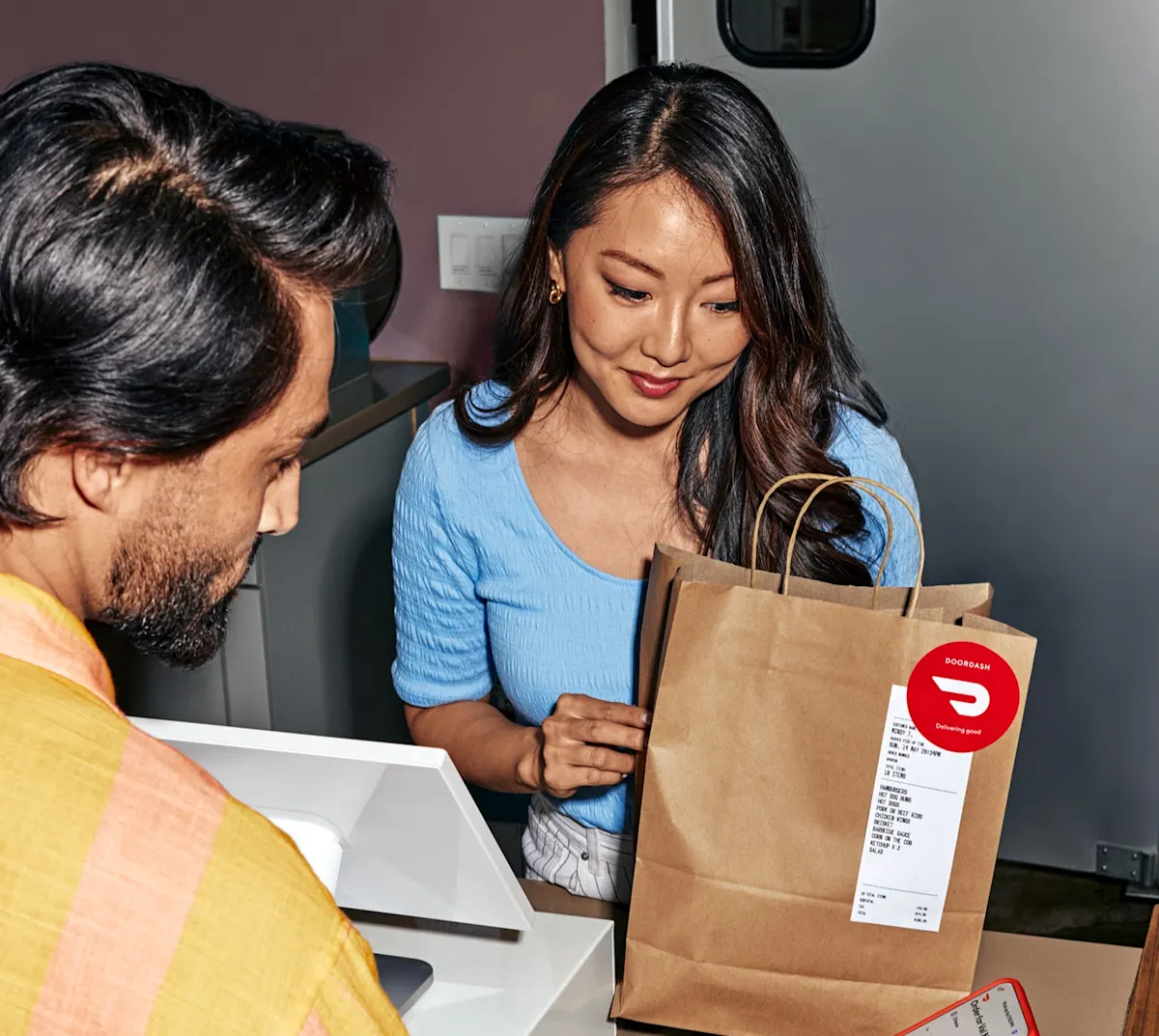
The customer arrives at your restaurant and lets you know that they're picking up a DoorDash order
How much does pickup cost?
Pickup orders have a lower commission rate than delivery orders.
Your pickup commission also covers payment processing for the order.
View your specific pickup commission rate in the Merchant Portal by selecting Pricing plans under your Settings.
How do I set up pickup?
Pickup is automatically available for most merchants once onboarding is complete.
Log in to the Merchant Portal
Go to the Solutions Center tab
Scroll down to Grow Online, where you'll find Pickup
Click + Add Feature
How can I tell if an order is pickup or delivery?
Orders are clearly labeled as Pickup or Delivery in:
The DoorDash Tablet
Order views in the Merchant Portal
This helps your staff prepare and hand off orders correctly.
How can I monitor pickup sales performance?
Historical orders
Pickup sales, as well as all other transactions, can be viewed as a report.

Go to Reports and click the Create a report button in the upper-right corner.
Select Sales report and select all of the information you need, which then can be exported.
Current and recent orders
You can track pickup orders alongside delivery orders in real-time in the Merchant Portal.

Go to the Orders tab to view current orders, you can see which orders are pickup in the Fulfillment type column.
What are the best practices for a smooth pickup experience?
To help set up an effective pickup process, here are tips to consider implementing in your restaurant.
Set realistic prep times:

As orders come in, you can confirm suggested prep times or manually enter new ones. Set your Kitchen Status to Busy to add more prep time for every new order.
Designate a dedicated pickup spot

Create a designated pickup area with clear signage and include those instructions in your Account Settings. Consider using warming equipment instead of shelves to keep food hot.
Create systems to avoid missing items
Train your staff to double-check the order docket against the items placed in the bag and highlight each item when packing orders to ensure nothing is missed.
Monitor trends in the Merchant Portal

Use the Operations Quality tab to review metrics such as:
Order accuracy
Missing items
Prep times
Customer ratings
How do staff tips work on pickup orders?
Customers can leave a tip for your staff when placing a pickup order in the DoorDash app.
100% of tips go to your restaurant
Tips are included in your weekly payout
Tip amounts appear in:
Order view on the DoorDash Tablet
Merchant Portal reporting
Weekly payout summary email
How do I turn on staff tips for DoorDash Pickup?

Turning on Pickup tips is as easy as flipping a switch. Currently, this feature is being rolled out in phases. If you'd like more information, contact us here and we can let you know when this feature is available.
Navigate to your Settings tab in the Merchant Portal and click on Account Settings.
You can toggle Staff tips for Pickup orders on or off.
You'll see a pop-up. Click the checkbox to enable pickup tips for all stores, then click Enable Staff Tips.
By offering pickup, your restaurant becomes even more appealing to customers. Giving customers the option to get their food quicker and for cheaper than delivery will make it more likely for new customers to try your restaurant for the first time.