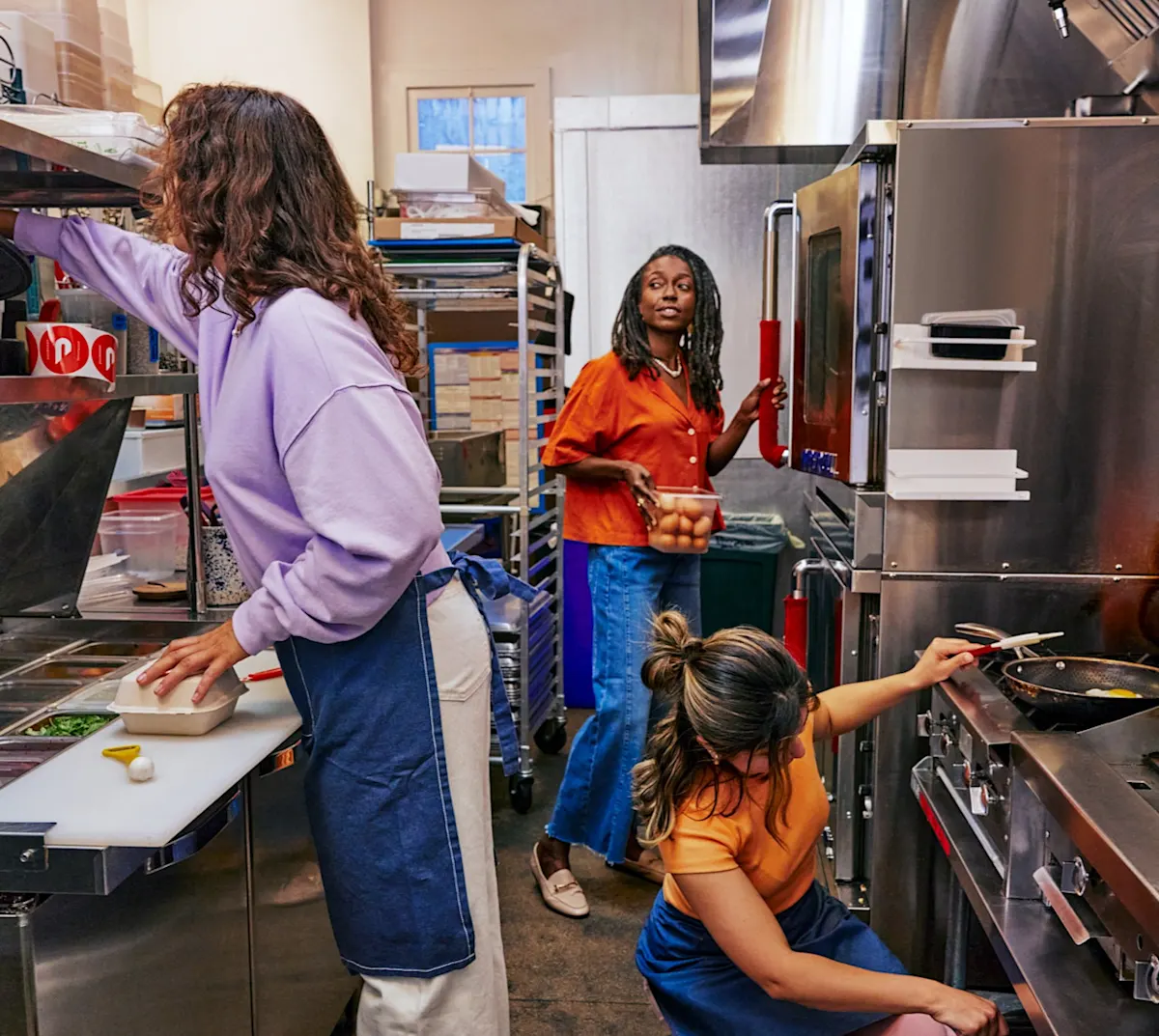
Every restaurant experiences busy periods — whether during the holiday season, a major local event, or simply a packed Friday night. These five strategies can help you keep service smooth, reduce strain on your team, and use DoorDash tools that streamline operations when you need them most.
1. Hire and schedule early to reduce staffing challenges
Whether you’re considering seasonal employees or looking to expand your team in the long term, early hiring allows you ample time for selection and training. By proactively building up your staff, you can meet increased demand without compromising service quality, ensuring customers have a positive experience.
2. Use Busy Mode to give your team breathing room
Busy Mode is a DoorDash Tablet setting that helps you automatically manage order flow when your kitchen is overwhelmed. Busy Mode won’t turn off ordering completely – it simply gives your kitchen more space by adjusting pacing and prep times.
When activated on the DoorDash Tablet, Busy Mode helps you stay in control during unexpected rushes by:
Adjusting prep time estimates so your kitchen isn’t rushed.
Temporarily pacing new orders during peak congestion.
Setting customer expectations to prevent cancellations or delays
When your team is stretched thin, Busy Mode buys you time — without sacrificing the customer experience.
3. Use self-serve tools to resolve issues quickly
DoorDash has introduced several self-serve tools that give merchants more flexibility — helping teams move faster and solve issues without contacting support. These tools are available in the Business Manager app, making it easy to manage operations from your back office or on the go.
Key self-serve features include:
Managing out-of-stock items
Reporting a Dasher when necessary
Managing scheduled orders with clearer tools for viewing and adjusting
Updating item availability quickly so customers only see what you can prepare
Adjusting order settings (prep times, store hours, modifiers) with fewer steps
These tools help teams operate independently, saving time when every minute matters.
4. Streamline your menu for kitchen efficiency
A smaller, more focused menu can dramatically reduce kitchen strain if you’re experiencing staffing shortages. To help your team stay efficient, consider:
Featuring top performers that are fast to prepare
Temporarily pausing low-volume or labor-intensive dishes
Simplifying modifiers that slow down prep
Prioritizing items that travel well to reduce remakes
A lean menu helps your staff work smarter, not harder. You can manage your menu in the Merchant Portal and Business Manager app.
5. Use item-level prep times to reduce congestion
“Item prep time” is the average time it takes your kitchen to make a specific menu item during normal operations. DoorDash uses these times, alongside your store’s overall prep time settings, to:
More accurately estimate when an order will be ready
Assign Dashers so they arrive closer to the actual pickup time
Reduce wait times, backups, and missed handoff windows
You can adjust item-level prep times in the Merchant Portal. By adding or updating how long individual menu items typically take to prepare, you can reduce crowding at pickup, prevent early arrivals, and ensure orders stay hot and fresh. This will help your delivery orders run smoothly even during your busiest times.
For more educational resources to support your team, check out the Learning Center. Log in to the Merchant Portal to start using self-serve features and adjusting your item-level prep times.
Log in to the Portal